
How to sell your used TV in the UAE
Sell your used TV online across five UAE emirates
Start your enquiry by sending the TV details and photos on WhatsApp. We assess enquiries in Dubai, Sharjah, Abu Dhabi, Ras Al Khaimah and Fujairah. We buy only working TVs.
What happens when you sell your used TV?
Accurate details help us assess your TV and plan collection without unnecessary back-and-forth.
Send your TV details online
Share the brand, model, screen size, condition and your city or area on WhatsApp.
Add photos
Send clear photos of your working TV with the screen on, the model label and included accessories. Describe its picture, sound and physical condition accurately.
Discuss the assessment
We review the details and discuss whether we can make an offer. Ask about any known faults before deciding.
Confirm your location and timing
If you wish to proceed, share the collection area and any building-access details, then agree a pickup time directly.
Check the offer and condition
Confirm the offer and tell us about any change to the TV’s condition. The TV is checked before an agreed purchase.
Arrange collection and payment
Collection is free and cash is paid on collection for an agreed purchase. Same-day pickup is available; confirm the timing when arranging it.
Before you sell your used TV, remove personal information from any photos. Keep the model number and your collection area handy, and mention missing accessories or building access restrictions. Confirm the offer and collection details with the buyer before preparing the TV for pickup.
What to send on WhatsApp
Good photos make the initial assessment more useful. The enquiry form does not accept uploads; send images through WhatsApp after you submit.
Choose the page for your collection area
Choose your collection area, then send the TV model, condition and photos for assessment. We buy only working TVs.
Dubai collection enquiries
Include your Dubai area, TV model and any building-access details with the photos.
View Dubai TV collectionSharjah collection enquiries
Share your Sharjah location and TV details so the quote and collection arrangements can be reviewed.
View Sharjah TV collectionAbu Dhabi collection enquiries
Send your location, TV details and photos for an initial assessment.
View Abu Dhabi TV collectionRas Al Khaimah collection enquiries
Share your TV model and collection details before reviewing an offer.
View Ras Al Khaimah TV collectionFujairah collection enquiries
Share the TV condition and pickup details when requesting a quote.
View Fujairah TV collectionSee all five UAE service areas and send your exact location with the TV details.
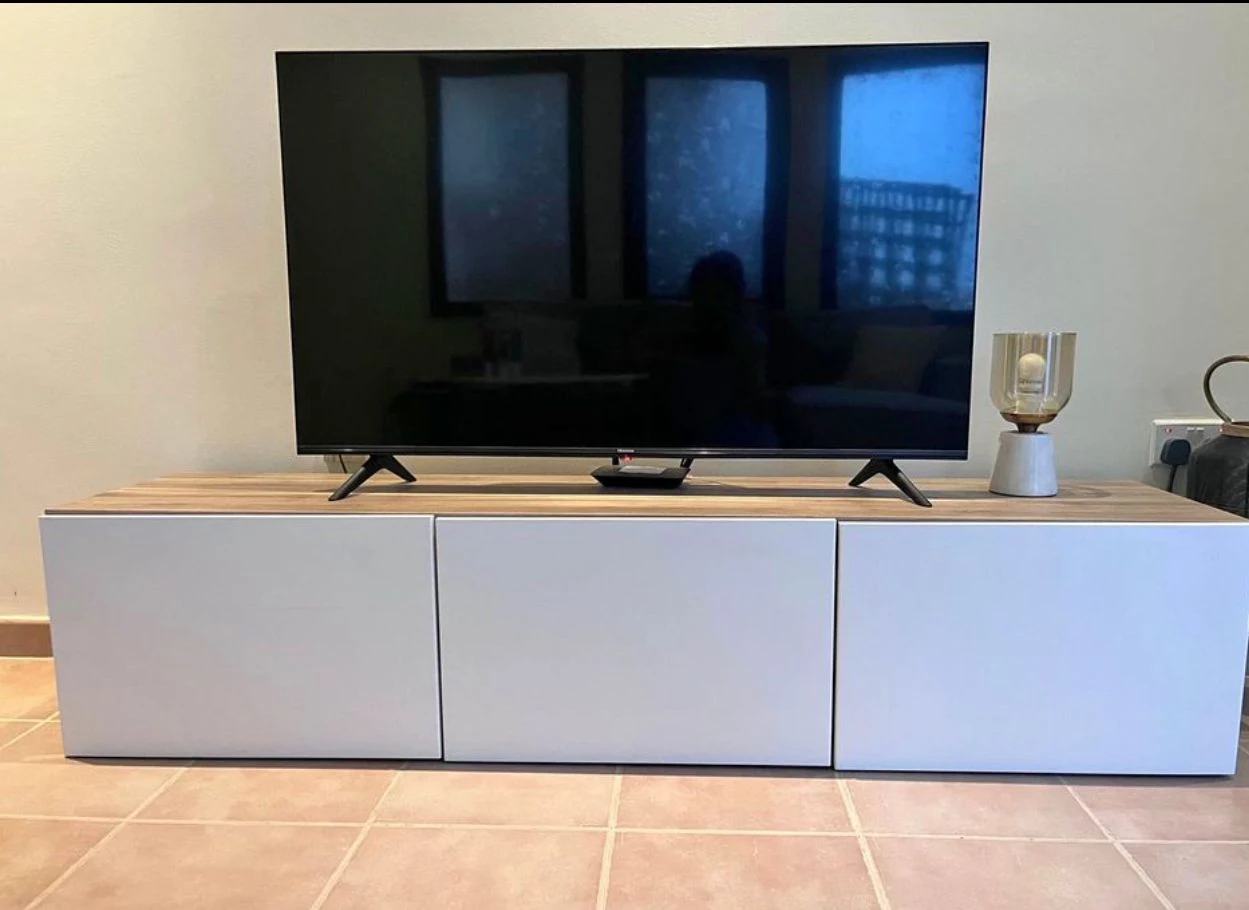
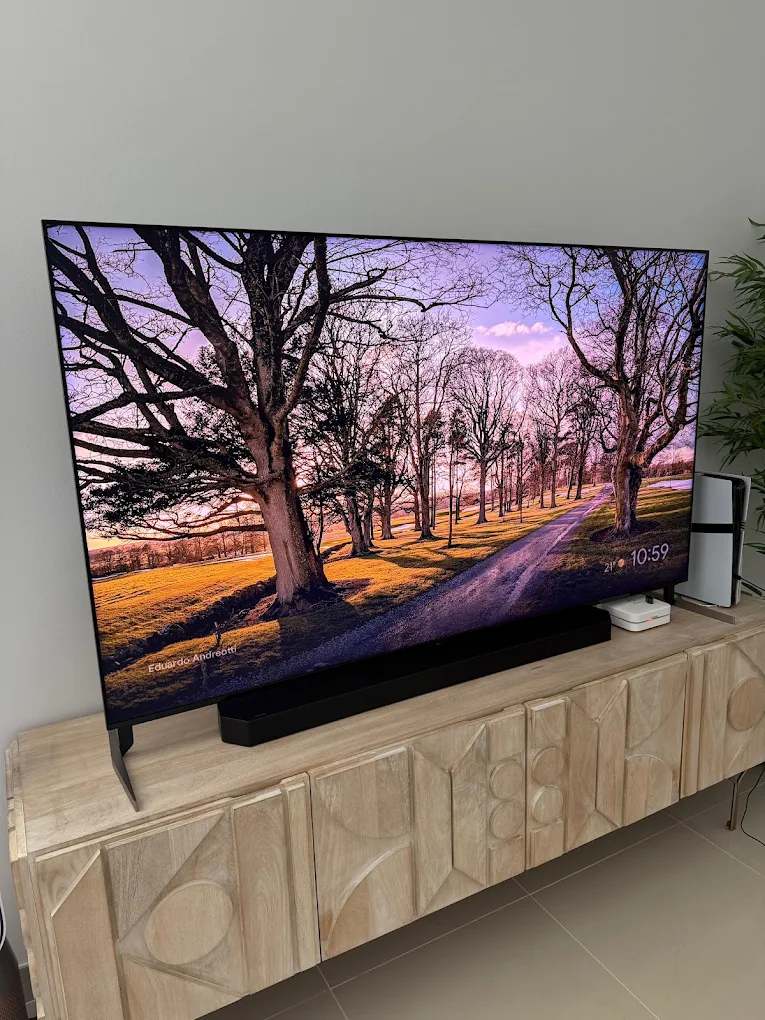
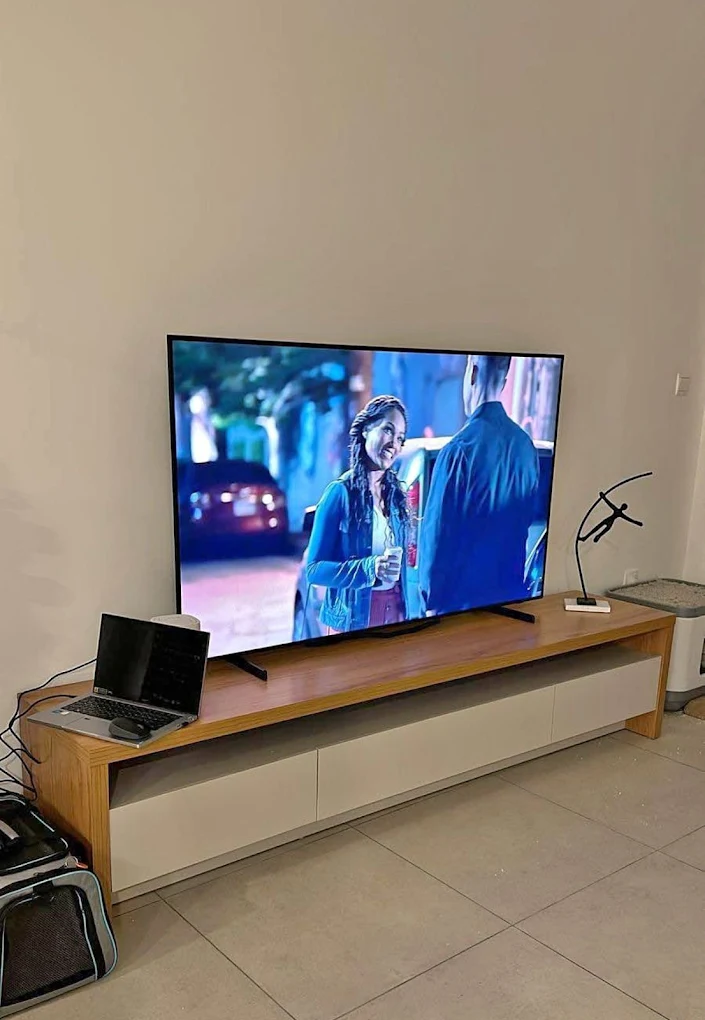
Show the television clearly before requesting a quote
These photographs were shared on our Google Business Profile. Use them as examples of the details to show; send current photographs of the television you actually want to sell.
Need help identifying or preparing a Samsung TV?
Our related Dubai website has guides to finding a Samsung TV model number and preparing a Samsung TV for sale with a factory reset. Check the instructions for your exact model and agree preparation before handing the set over.
Start with your TV details
Used TV Buyers in Dubai | Second Hand TV Buyers in Dubai